





Asset Academy
Sign inGet the course

A course by Mykola Pyatkov, Senior Technical Artist and Unity Asset Store top seller

Your first game asset on the Unity Asset Store in 30 days

AI skills build the asset. You learn to publish, list and sell it. 5 phases, 18 lessons, no coding or 3D modelling required. Taught by a seller with 7 years on the Unity Asset Store and Blender Market.

One-time payment · 30-day money-back guarantee

selling game assets
7 years
selling game assets
Unity Asset Store + Blender Market
2 stores
Unity Asset Store + Blender Market
Netflix, Disney, Warner Bros, Paramount, Canon
5 studios
Netflix, Disney, Warner Bros, Paramount, Canon

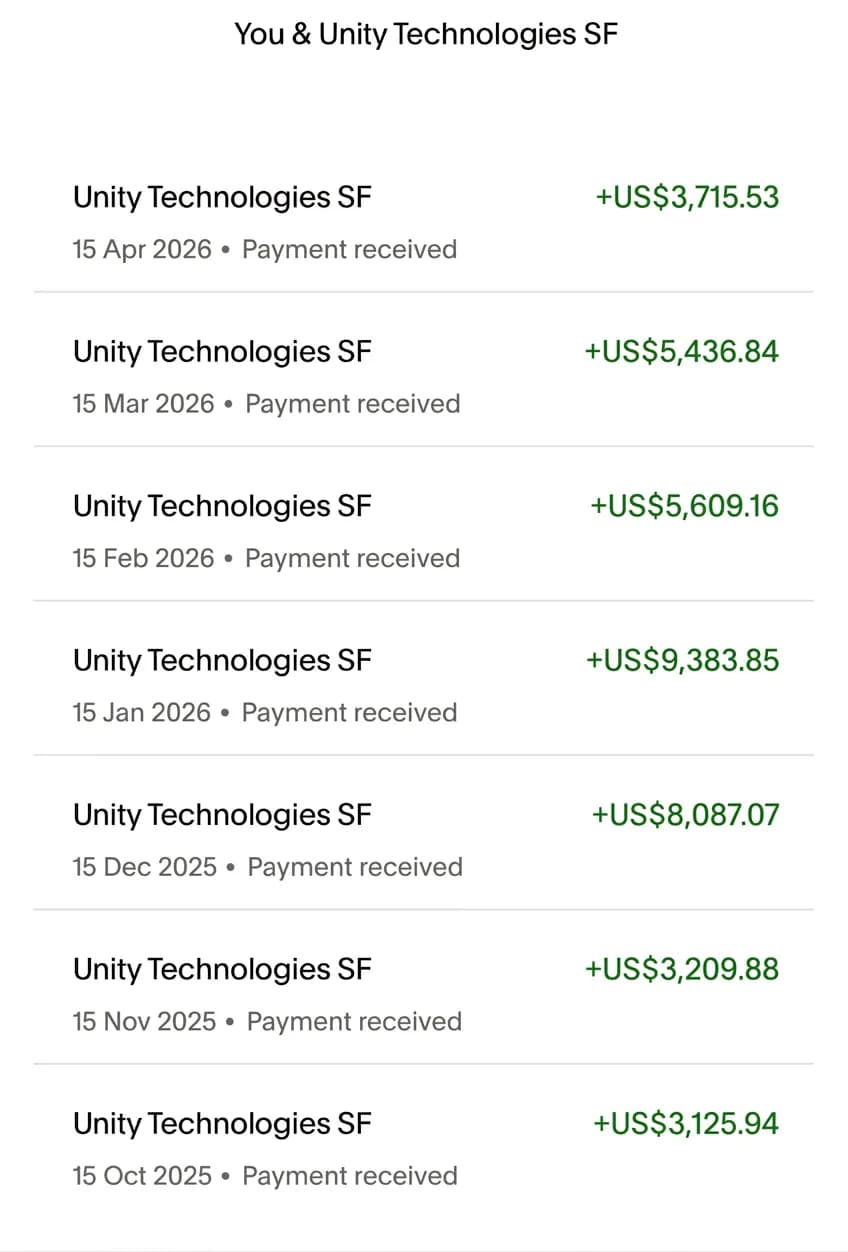
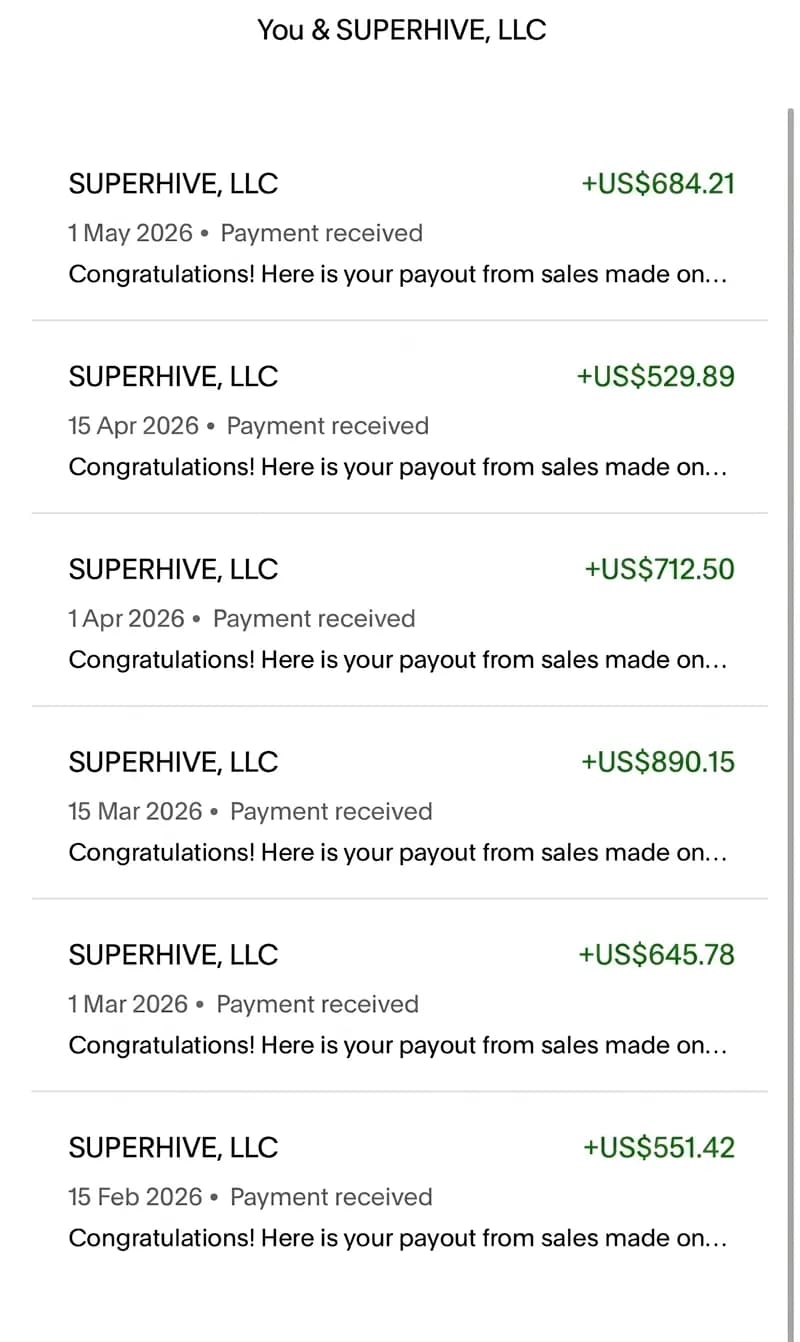
What my assets earn

Real payout reports from the two marketplaces where my assets sell.

Unity Asset Store payouts
Blender Market payouts

These are my own results after 7 years and a large portfolio. They show the model works. They are not a promise of your income.

The program

5 phases, 18 lessons, about 2 hours 15 minutes in total. Each phase ends with something concrete: a live seller account, a published asset, a listing that gets found.

  1. 1FoundationPhase 1 · 4 lessons · 24 min

    Outcome You know how the Asset Store economy works, your seller account is live, and you have picked what to build first.

    • 1.1Welcome & Reality Check
    • 1.2Asset Store Economy & Where the Money Is
    • 1.3Full Setup: Workspace + Seller Account
    • 1.4What to Sell First
  2. 2Build for UnityPhase 2 · 3 lessons · 21 min

    Outcome Your first asset, a texture painter tool, is built with the Unity Builder skill and submitted to the Asset Store.

    • 2.1Build Your First Asset (Texture Painter)
    • 2.2Add Shaders + 3D (with the skill)
    • 2.3Publish to the Asset Store
  3. 3Launch on UnityPhase 3 · 5 lessons · 36 min

    Outcome Your second asset is out. You know how to pass review, collect the first 3 reviews and get featured.

    • 3.1Ship Your Second Asset
    • 3.2Review, Rejections & Going Live
    • 3.3Launch: The 3-Review Secret
    • 3.4Get Discovered + Handle Reviews
    • 3.5Portfolio: Scale, Get Featured, Maintain
  4. 4Blender MarketPhase 4 · 2 lessons · 20 min

    Outcome Your asset is adapted for Blender, submitted and listed on Blender Market.

    • 4.1Blender Market: Build & Sell
    • 4.2Blender: Submit, List & Market
  5. 5Expand and scalePhase 5 · 4 lessons · 34 min

    Outcome The same asset sells on every store, you run a Gumroad storefront and an email list, and you have a plan for the next 12 months.

    • 5.1Cross-Posting: One Asset, Every Store
    • 5.2Gumroad Storefront + Email List
    • 5.3Direct Sales Marketing
    • 5.4The Long Game

Included with every tier

  • All 5 phases and 18 lessons
  • A PDF for every lesson
  • The 47-point asset submission checklist
  • Title, description and screenshot templates
  • Unity Builder skill for Claude Code
  • Lifetime access and free updates

Who this is for

  • Gamedev specialist between projects

    You have the skills, but the market is crowded and the projects dried up. Turn what you already know into assets that sell.

  • Complete beginner

    Never opened Unity or Blender. The AI skills build the asset; the course shows you how to publish and sell it, step by step.

  • Freelancer who wants a second channel

    You have a laptop and want work that is not tied to one client. An asset is built once and stays on sale.

  • 3D or tech artist with no sales

    Your work is solid, but it sits in the store with no views. Learn how listings get found, reviewed and featured.

Who teaches

Mykola Pyatkov, Senior Technical Artist

Mykola Pyatkov

Senior Technical Artist · 7 years selling game assets

I worked as a Senior Technical Artist for Netflix, Disney, Warner Bros, Paramount and Canon. I saw from the inside what studios buy and why. In the evenings I built and released my own assets with that same understanding.

In 2017 I uploaded my first asset. It made $4 in its first month. Today I am an active top seller on the Unity Asset Store and Blender Market, and my assets are used by thousands of developers.

Asset Academy is the course I wish I had at the start: how review works, how listings get found, how to price, how to launch. Nothing in it I have not done myself.

Worked for

  • Netflix
  • Disney
  • Warner Bros
  • Paramount
  • Canon

Pricing

Two tiers. Both include the full course. Pick how many tools you want with it.

Apprentice

The full course and the Unity Builder skill

$29

one-time payment, lifetime access

  • All 5 phases, 18 lessons
  • Unity Builder skill: the AI builds your Unity asset
  • PDF for every lesson
  • 47-point asset submission checklist
  • Title, description and screenshot templates
  • Lifetime access and free updates
  • 30-day money-back guarantee

Most popular · 82% choose it

Shogun

Everything in Apprentice plus every tool and idea pack

$49

one-time payment, lifetime access

Tools worth $70 included

  • Everything in Apprentice
  • Blender Builder skill: the AI builds your Blender asset
  • Listing Optimizer skill: titles, keywords and screenshots
  • 4 ready idea packs: Unity, Blender, Gumroad, Getly
  • Priority email support
  • Lifetime access and free updates
  • 30-day money-back guarantee

Card or crypto · secure checkout by Stripe

30-day money-back guarantee

Take the course for 30 days. If it is not for you, for any reason, email me and I refund the full price. No forms, no questions.

Did the work and still have not published your first asset? You get the refund and a 1:1 call with me to review it and fix what is blocking you.

What students say

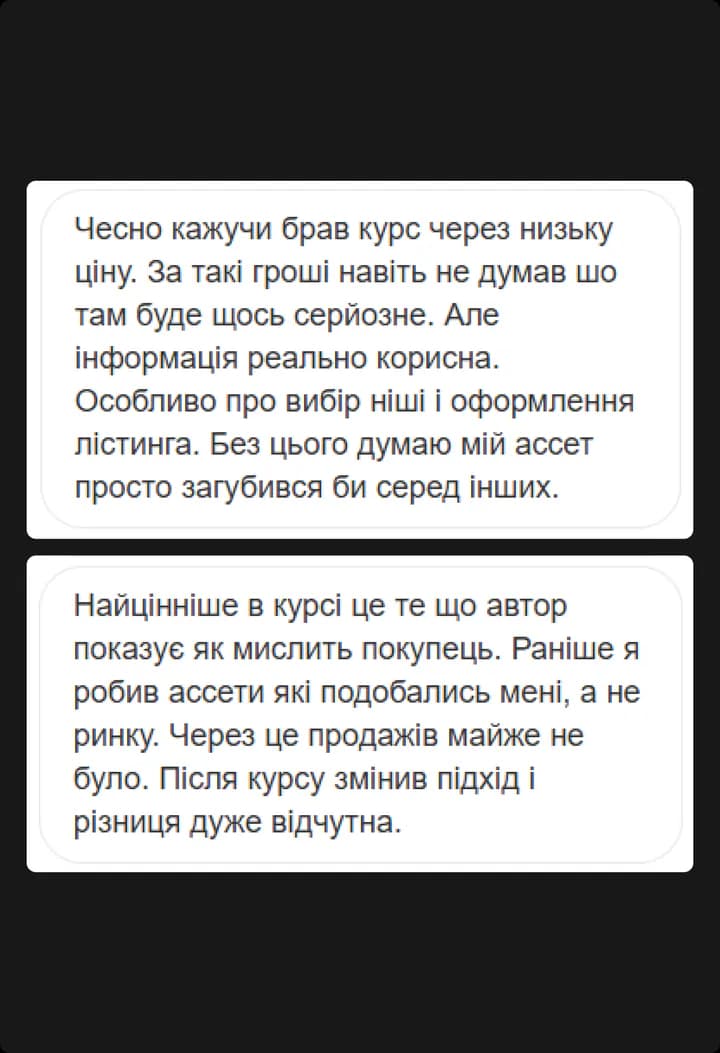
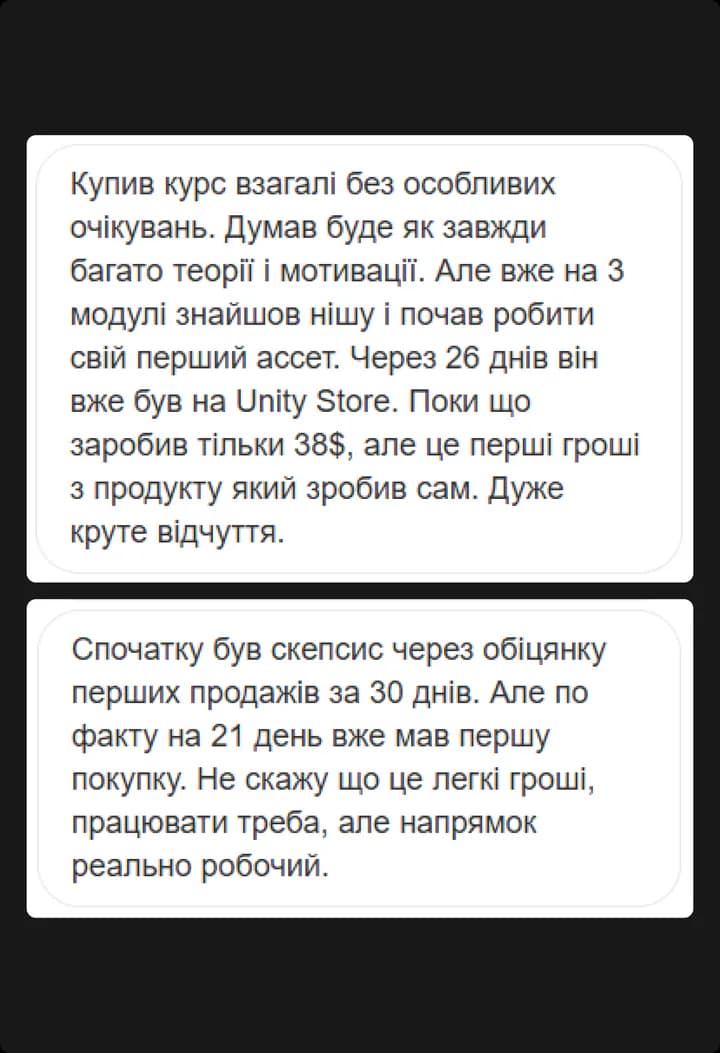
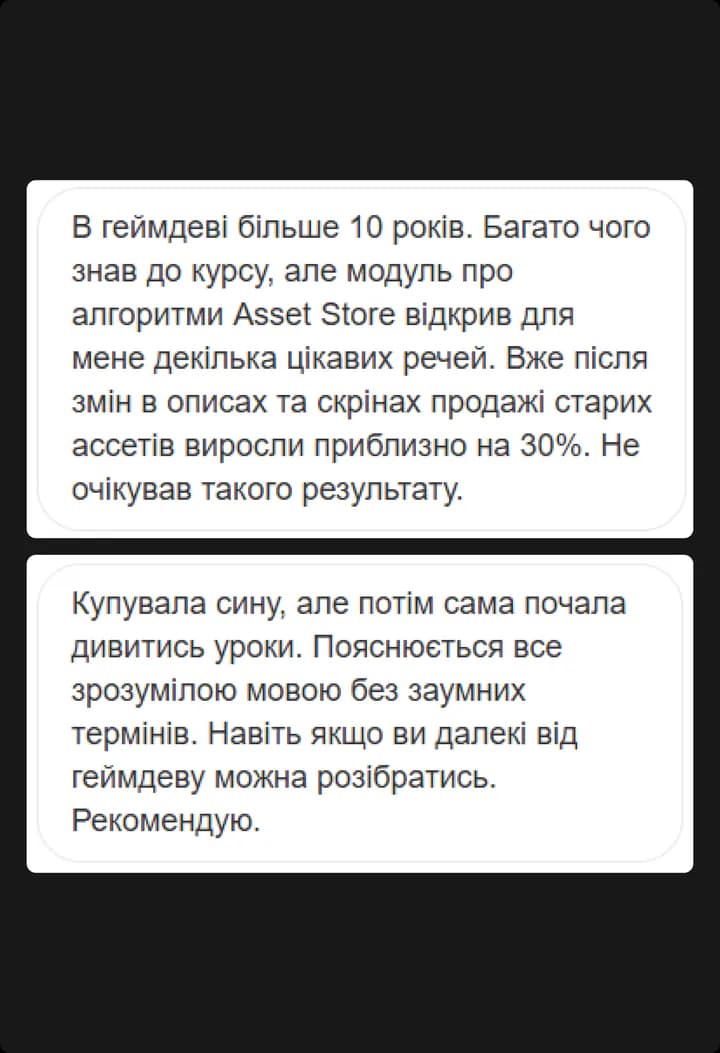
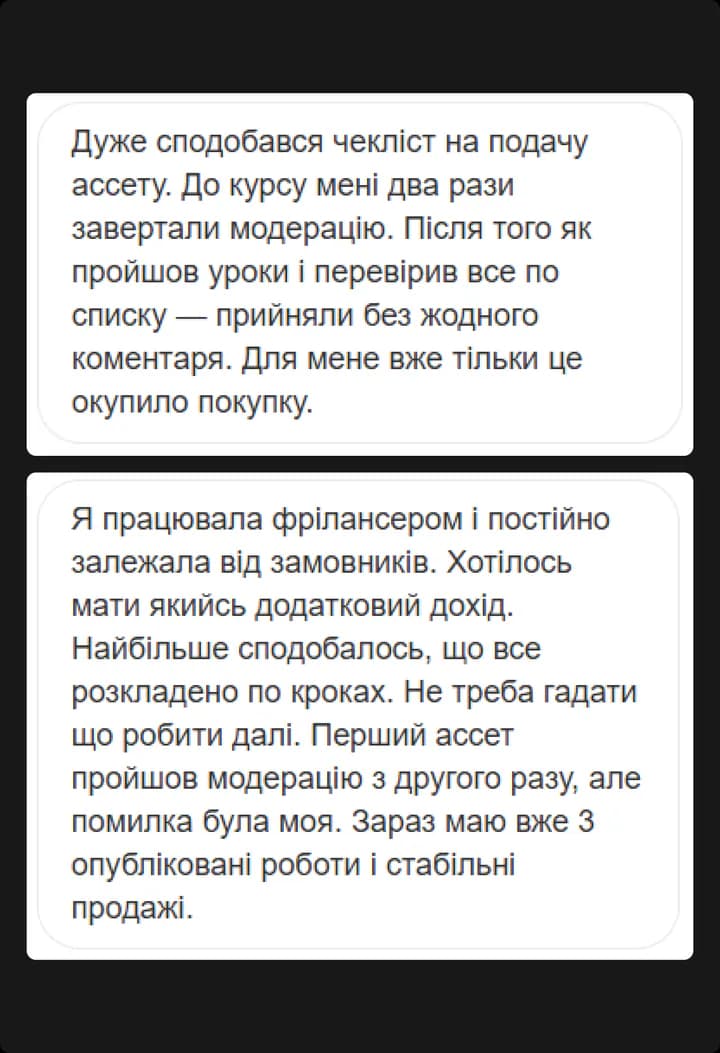
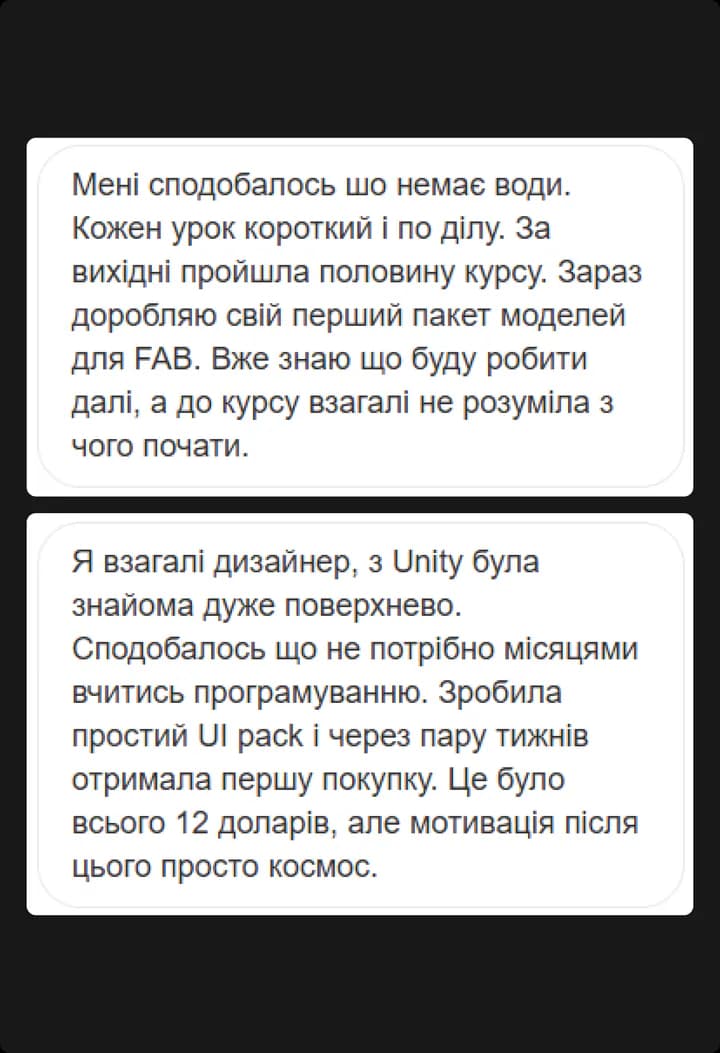
Screenshots of messages from people who took the course.

Student review 1
Student review 2
Student review 3
Student review 4
Student review 5

Questions

I have never opened Unity or Blender. Is this for me?

Yes. The course starts from zero: installing the software, opening a seller account, building the first asset with the AI skill. Every step is shown and has a PDF you can follow.

How much time does it take?

About 2 hours 15 minutes of lessons, plus the work itself. A few evenings a week is enough. At that pace, submitting your first asset to the Asset Store within 30 days is realistic.

Do I need to know Unity, Blender or how to code?

No. The Claude Code skills included in the course (Unity Builder, and Blender Builder on Shogun) write the code and build the asset from your description. You learn the part the AI cannot do: choosing what to build, passing review, writing the listing and getting sales.

What exactly do I get after paying?

Immediate access to your dashboard with all 5 phases and 18 lessons, a PDF for every lesson, the 47-point submission checklist, the listing templates, and the skills for your tier as downloadable files with setup instructions. Access is lifetime and updates are free.

What is the refund policy?

30 days, full refund, no questions. Email me and I send the money back. If you did the work and still have not published, I also get on a 1:1 call with you to review the asset.

Can I upgrade from Apprentice to Shogun later?

Yes, from your dashboard. Within 2 hours of purchase you pay only the difference ($20). After that, the difference plus a small fee.

How much can I realistically earn?

It depends on the niche, the quality of the asset and how many you publish. First sales of $50–300 a month are a realistic starting goal. Income grows with the number of assets in your portfolio. There are no guarantees, and I will not promise you a number.

Build your first asset this month

5 phases, 18 lessons, the AI skills, and a 30-day money-back guarantee. Start today.

From $29 · one-time payment · lifetime access